Finding The Game Deadzone
When running X-AIM and Capture Mode, make sure you have any other programs closed down, especially web browsers such as Firefox, as this may cause lag. You want the signal between your Keyboard and Mouse to your console to be as clean as possible.
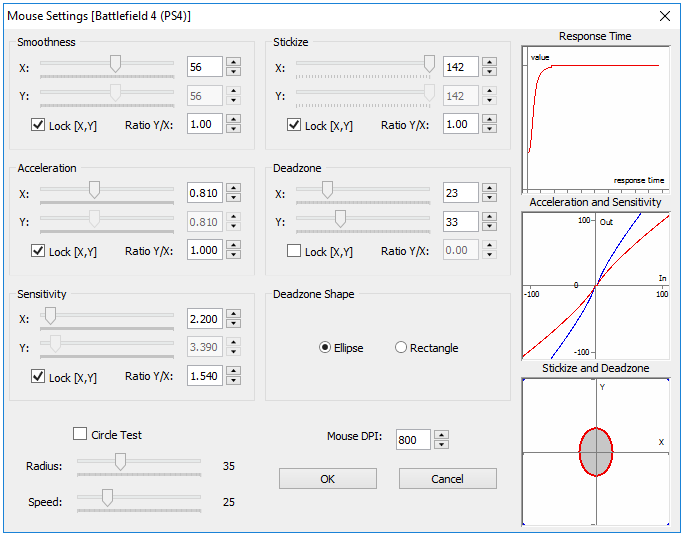
Step-by-Step
A step-by-step guide to find out the game horizontal (X) and vertical (Y) dead zones.
We highly recommend that you apply this Windows Mouse Acceleration Fix before setting up your Mouse with CronusMAX PLUS. Click here for a complete how-to guide.
 Initial Settings 1. Connect your CronusMAX PLUS to the console, the PCPROG port to your computer with the mini-USB cable and then launch the game that you want to find the deadzone. Set any in-game settings to maximum sensitivity.
2. Open the X-AIM mouse settings window and configure it as shown in the picture above as these are the most generic settings found to work with most games. naturally every setup will be different depending on your model of mouse a game being played. The mouse DPI parameter should be set to match the mouse in use. You can use our support forums to see what other settings users have posted or ask for support - click here for more information.
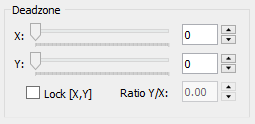
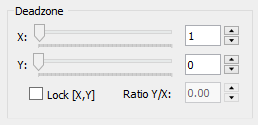
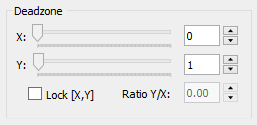
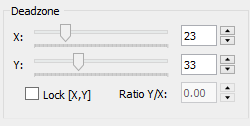
3. Set the Deadzone X and Y to 0.
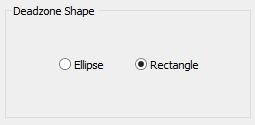
 4. Set the Deadzone shape to Rectangle.
 |




Finding The Mouse Deadzone Video Guide & Demonstration |