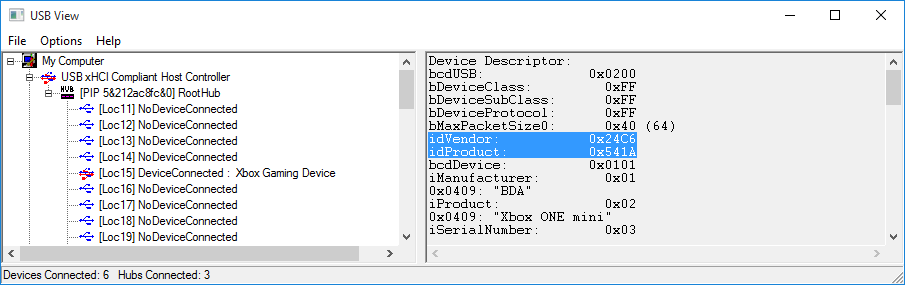
If you have a controller which is not currently on the compatibility list, please notify us of your devices compatibility (working or not) by posting in this Cronus Community topic with the VID/PID, Make, Model and the console it was made for.
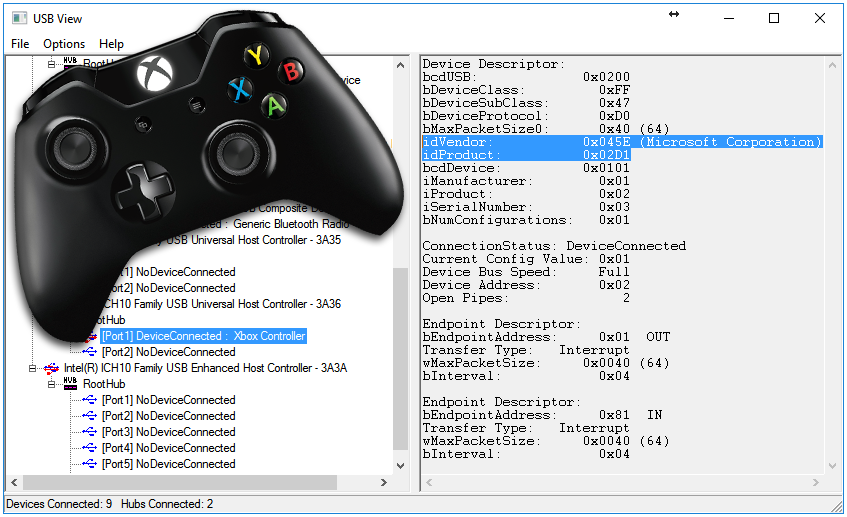
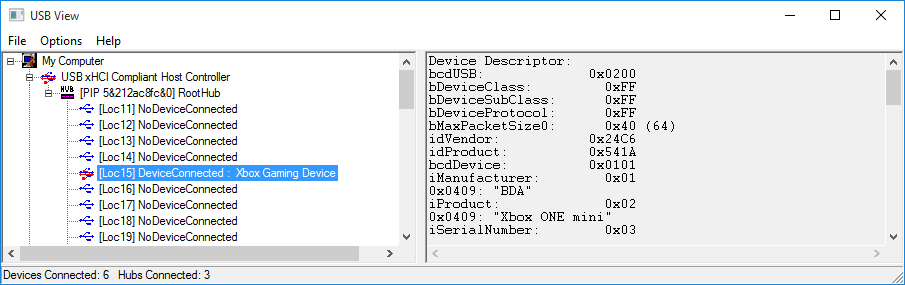
If you do not know the VID/PID of your controller, here are the instructions on how to discover it.
Download and Extract USB View
Click here to download the latest version of USB VIEW.
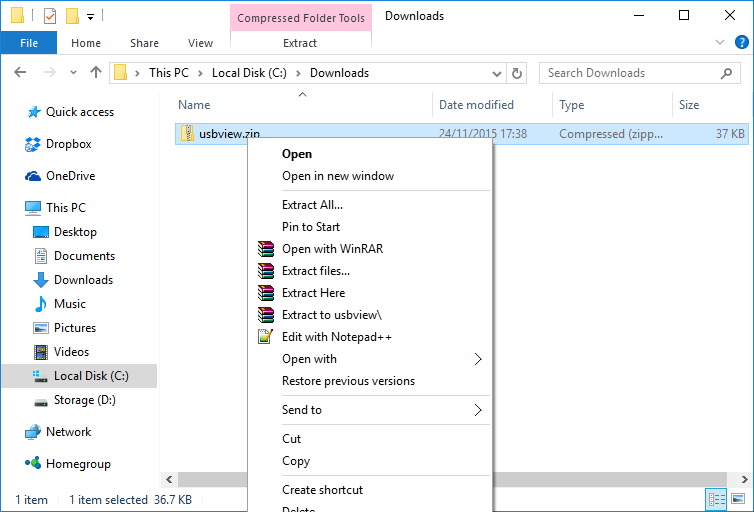
Locate usbview.zip in Windows and right click on the file to open the context menu.
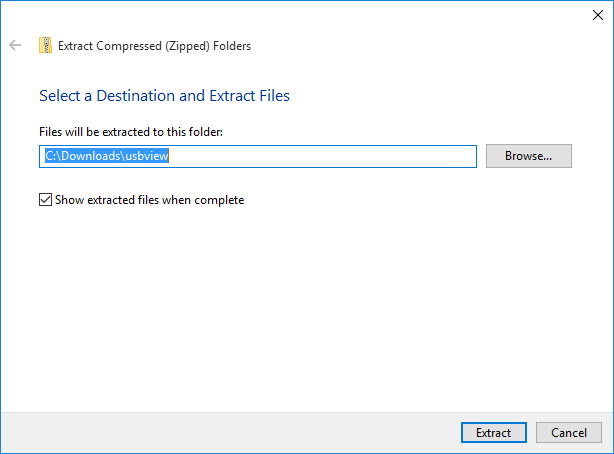
Click Extract All.. and a wizard will open to guide you through the extraction process
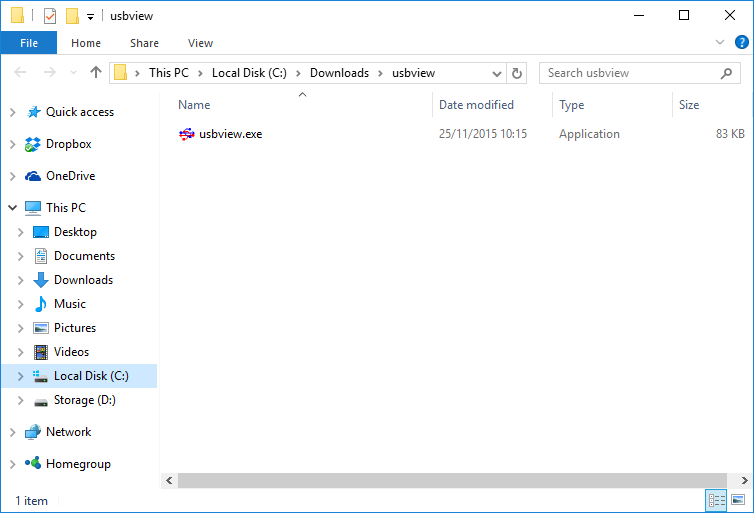
Click Extract. Windows will extract the executable file from the archive and then display it in a new window.
If you have not already done so, load usbview.exe by double clicking on the file.
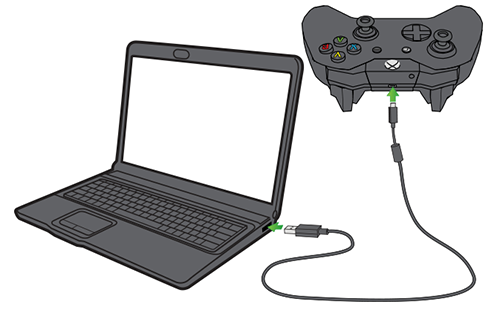
In the left hand window, scroll down the tree and locate the device you plugged in to your USB hub. In this example, we are using a Power A Mini Controller for the Xbox One.