The Standard
Operational Mode gives you all the normal features of the CronusMAX PLUS including cross-over controller
support, scripts, macros, gamepacks and button remapping. This is the default mode for the CronusMAX PLUS.
NOTE
To program Operational Modes you have to be connected to the Internet.
Programming the Standard Operational Mode
1.1
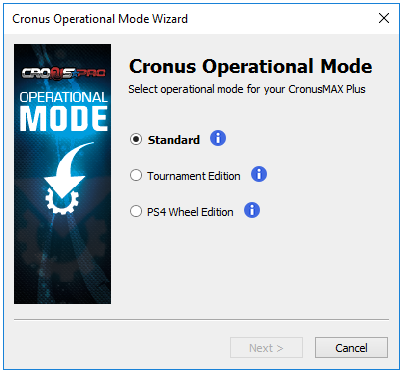
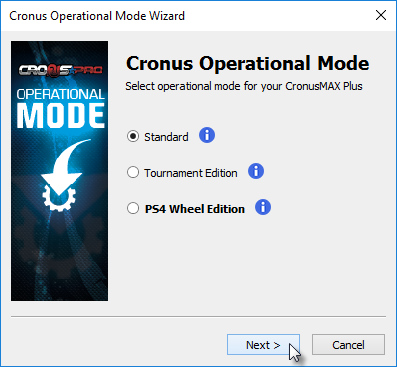
First, we are assuming that your CronusMAX is hooked up to your PC as instructed in the Quick Start Guide. Open the Cronus Operational Wizard and select
'Standard', then click Next.
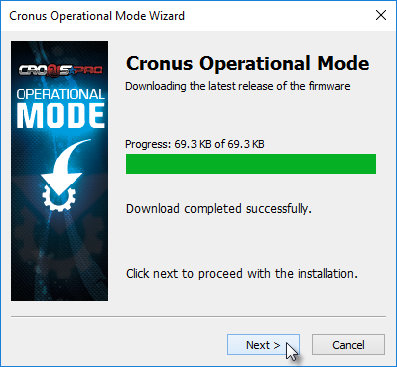
1.2 The
files for your CronusMAX PLUS will be downloaded and algorithms calculated to match to
your devices serial number.
1.3
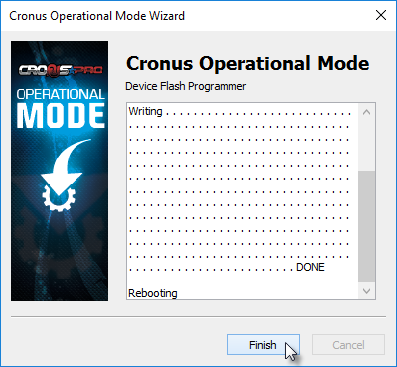
DO NOT REMOVE THE DEVICE WHILE PROGRAMMING! If the programming of the
CronusMAX PLUS is successful, and it only takes around 5 seconds, you will see the
following screen. Click Finish.
1.4 If
everything is successful, the Cronus PRO Status Bar will change to reflect the new
Operational Mode.