Wired Controllers (Xbox One, Xbox 360 and PS3) - Connecting to PS3
Using a Crossover Controller
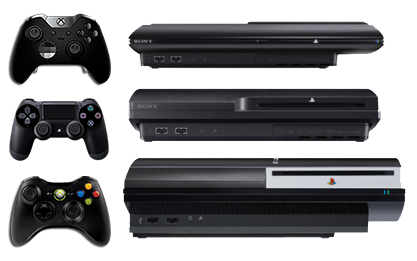
 Set Output Protocol
Load Cronus PRO and go to Tools > Options > Device
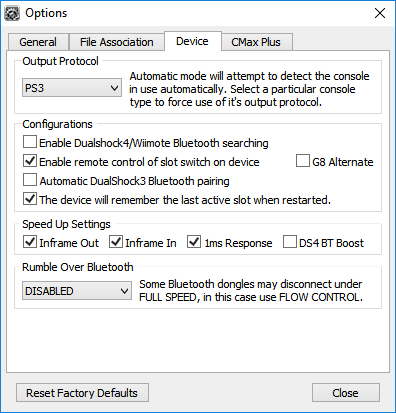 Set the Output Protocol to PS3.
These are also the recommended default Speed Up Settings for Wired Controllers.
You can now close the Options window and disconnect your CronusMAX PLUS from the PC. Rumble Over Bluetooth is disabled as it's not being used.
|
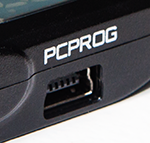
 Connect the CronusMAX PLUS to your PS3
|
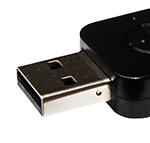

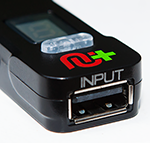
 Connect your Crossover Controller to the CronusMAX
|
 Ready to Use
If you are using an Xbox One or DualShock 4 Controller with a Micro USB cable and the LED on the CronusMAX PLUS changes back to AU then the Micro USB Cable is probably faulty or not compatible. Try another and make sure it is full data and not just a charging cable. |
