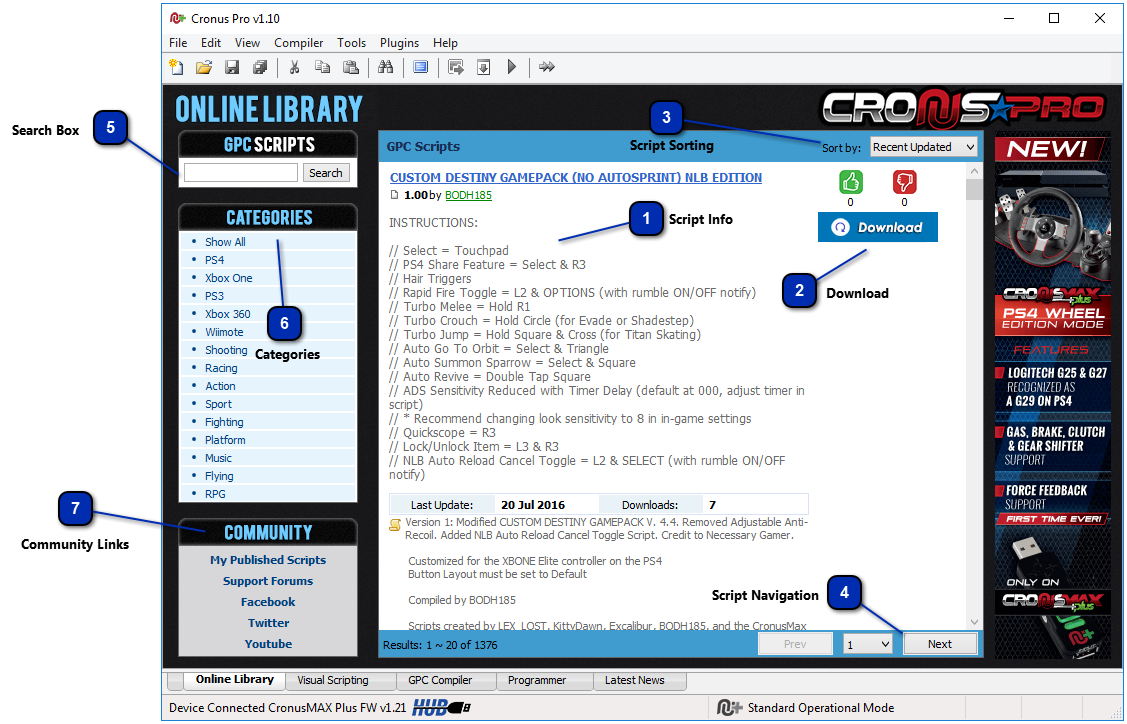
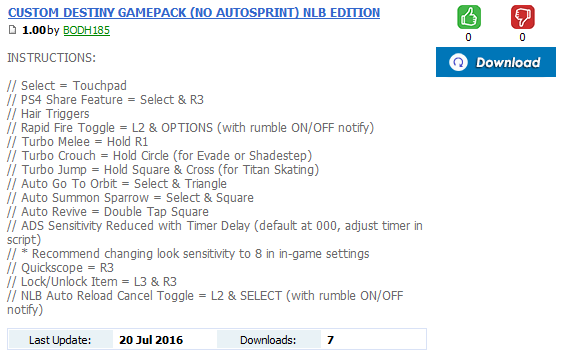
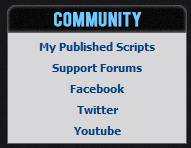
The GPC script information describes what the script does, we recommend the authors be very precise when giving names and describing your scripts. The user should be able to know if the script was made for a specific game, what it does and how to operate it. With each script you can see when the script was released, how many times it was downloaded, and the rating from our community. The announcement topic also links to the support page for the script on our community forums where users can post bugs and suggestions.
The download button will open the correspondent GPC script in the Compiler editor, so you can check and test the script before programming it to your CronusMAX PLUS.
Change the sort order of the current GPC script list by "Recent Updated", "Rating", "Downloads", "Name" or "Author". This makes easier for you to see the most relevant GPC scripts based on your chosen criteria.
The list of GPC scripts shows up to 10 scripts per page, the navigation controls are used for traveling through the available pages. By using the buttons you can go to the next or previous pages, and on the dropdown box you can jump to any available page in the current search criteria.
The search box is used to allow users to enter a query to be submitted to the Online Library server where GPC script database is queried for entries that contain one or more of the user's keywords. This is a useful tool to search for scripts developed for a specific game, author or with some desired functionality.
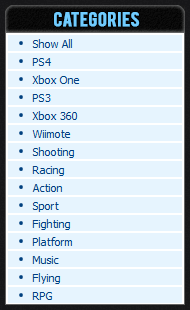
The author of a GPC script can select one or more categories for each published script. This allows the users to search for scripts in a specific category.
All available categories are listed in this list, clicking on the category name will show the related scripts.