Xbox One Controller
 Set Output Protocol
|
|
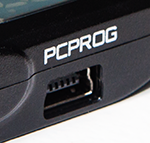
Follow the instructions here to correctly connect your CronusMAX PLUS to a PC via the PC PROG port using the supplied Mini-USB Cable. |
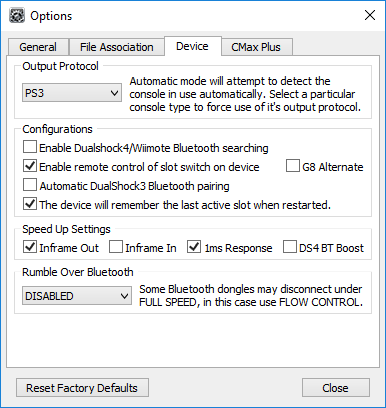
Load Cronus PRO and go to Tools > Options > Device
These are also the recommended default Speed Up Settings for Xbox One Controllers. Rumble Over Bluetooth is disabled as it's not being used.
You can now close the Options window and disconnect your CronusMAX PLUS from the PC.
|
 Connect the CronusMAX PLUS to your PS3
|
|
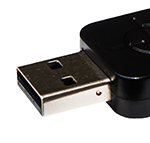
Connect the CronusMAX PLUS into one of your PlayStation 3 USB ports via it's Output Port.
|
|
 Remove any Xbox One Controller Batteries
|
|
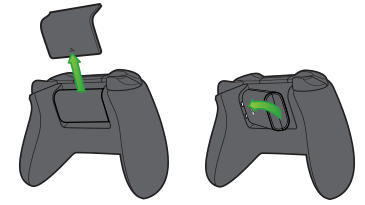
Remove any batteries or charger pack from your Xbox One Controller (if it has them).
This is a very important step or the controller will not authorize correctly.
|
|
 Connect your Xbox One Controller to the CronusMAX PLUS
|
 Ready to Use
|
|
After a couple of seconds the display on the CronusMAX LED will go from the spinning Standby Animation to 0 ( or a number if slot recall is enabled and a script was previously loaded) - indicating that the controllers are authorized and you're ready to play. At this point you can use your controller through the CronusMAX PLUS and also load any scripts or GamePacks. It's that simple! |
|
|